
Goal: Assemble a compact, reliable system that keeps you focused and effective without needing constant internet access. This guide shows how to work on commutes, flights, or any low‑signal day while staying fast and private. Expect a professional, product‑roundup approach that highlights the best apps, key features, and practical steps for users in the United …


The modern phone can be a reliable lifeline when networks fail, if you prepare ahead. Preload maps, save vital documents, and set up lock-screen emergency details so critical information stays at your fingertips without internet access. Built-in features such as the flashlight, camera, notes, and screenshots keep working and can hold directions, checklists, and ID …

Modern phones can stay simple yet powerful. For parents and families who want clear guardrails, a device that removes browsing and app stores keeps core communication while cutting online risk. As of 2024, more than 60% of children in the United States own a cell phone, and 73% of parents say kids should wait until …
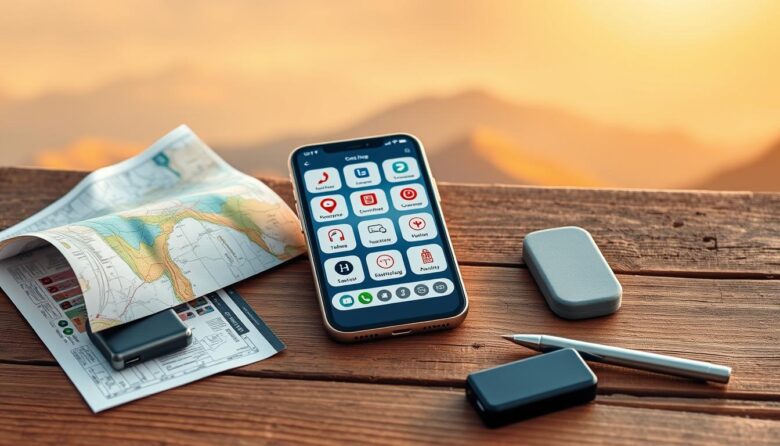
Prepare once, stay calm later. With some planning, your smartphone becomes a compact toolkit that holds maps, tickets, translations, and media even when you lose a network signal. This guide shows which features and apps to set up so essential information stays at hand. Built-in tools like a compass, camera, and file viewers work without …

Get a practical system for reliable navigation in the field. This article shows how to blend paper topographic sources, a precise baseplate compass workflow, and modern GPS support to plan routes and move with confidence. Start by favoring USGS 1:24,000 topographic sheets for detail: 50-foot contours, WGS84 latitude/longitude, and UTM grids. Note that many sheets …

Build an offline-first system you can use anywhere. This guide shows a clear plan and simple tools to keep daily progress when you don’t have Internet. You will prepare materials, routines, and tiny habits that run on paper, audio, and habit alone. Turn your home into a steady study zone by labeling objects in your …

Most phones already include quiet ways to stretch runtime on busy days. These built-in options cut radio use and reduce wake events so your device uses less power without new apps. Here, offline means pausing or minimizing cellular, Wi‑Fi, Bluetooth, and GPS while keeping essentials like camera, alarms, and saved content active. That approach lowers …

Master a few built-in features and your mobile experience becomes faster and more reliable. You can do a lot without a network by prepping maps, saving files, and setting shortcuts. This guide helps U.S. users turn those settings into habits. We preview the top tips you’ll learn: preload maps, launch the camera with a hardware …

Use this guide as a practical way to keep your day moving when the web is down. The phrase “digital hacks no internet needed” sums up the approach: prepare, act, and refine. You can still read mail, edit synced documents, and manage calendars with offline modes like Gmail, Google Docs, and Calendar. Desktop apps such …

Your phone hides powerful capabilities beneath the surface. Think of the device like an iceberg: what you see is small compared with what the system can do. This short guide helps users unlock on‑device features that work without extra downloads. iPhone highlights include Back Tap, Measure, Live Text, Magnifier, and built‑in screen capture. Android offers …