
This buyer’s guide tests how well a note-taking app captures and retrieves your notes without internet, how fast it opens on your devices, and how reliably it syncs later. We cover familiar options like Apple Notes and Google Keep, plus OneNote, Obsidian, and Evernote so you can see each tool’s offline strengths. Expect practical checks …

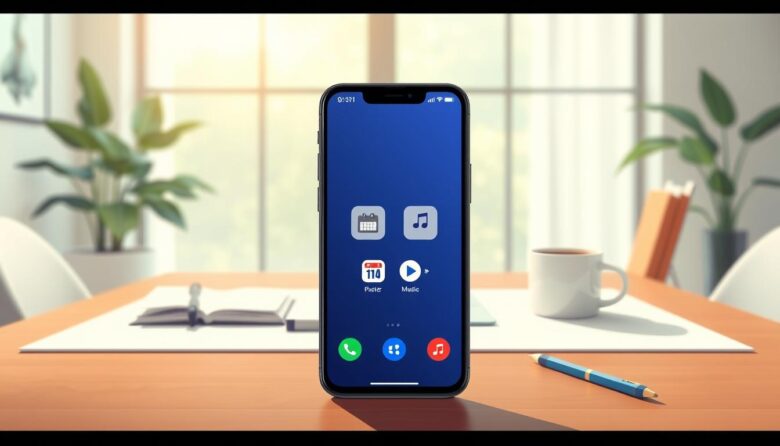
This buyer’s guide helps you find the offline capabilities your current device already includes and compares focused devices for a calmer daily routine. Expect clear advice on privacy, reduced interruptions, and simple setups that favor calling, texting, alarms, calendars, notes, timers, and local media playback. We’ll define terms like “dumbphones,” “feature phones,” and minimalist smartphone, …

Your phone can still be a practical safety tool when networks fail. Many apps keep preloaded guides, checklists, maps, and tools that run without service. Spend about 15 minutes now to set up what matters. Add Medical ID and one ICE contact so first responders see critical medical information without unlocking the device. On iPhone …

Learn a few simple keystrokes and you can cut wasted time and keep your hands off the mouse. This short guide shows practical, cross‑platform tricks that help users work faster in documents, email, and browsers. You’ll see how common key combos—like Cmd/Ctrl for copy and paste, Cmd+Space to open Spotlight on Mac, and Cmd/Ctrl+T to …

Smartphones now let many travelers handle basic language needs without a network. Most popular apps let you download language packs that run on your device. Google Translate, for example, supports instant camera text in 94 languages on Android and offers 108–133 languages across platforms. Key benefits include savings on roaming charges, reliable use in subways …

Many professionals spend 60–90 minutes daily on documentation. Without a plan, recordings pile up and become hard to use. This short guide shows a repeatable method to turn raw audio into work-ready items. Speaking captures richer context and fleeting ideas that typing can miss. Use a simple naming rule like “YYMMDD Who/What Type” and a …
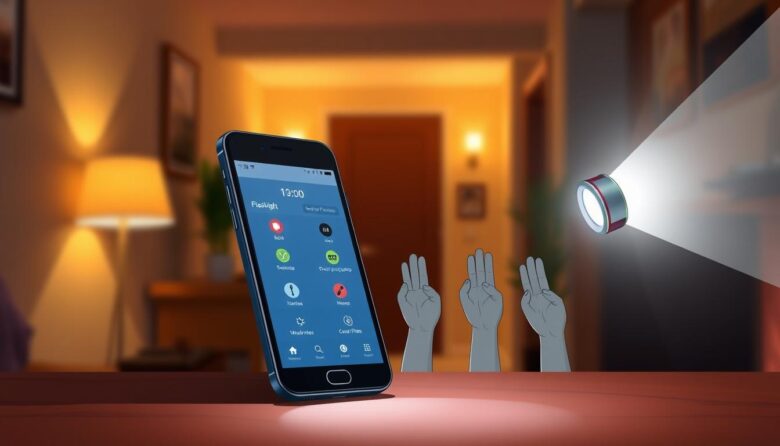
Quick, reliable light can change how you handle small emergencies and everyday tasks. This intro shows how modern phones hide useful torch controls that speed access and improve usability. On iPhone with iOS 18, a new torch control pop-up lets you swipe up and down to set brightness and swipe left and right to change …
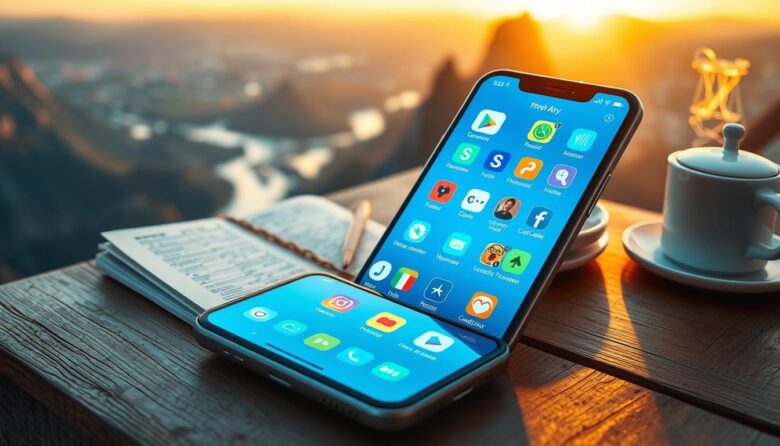
Today’s trips lean on a few smart tools that keep plans, maps, and passes in one place. Modern smartphones centralize bookings, navigation, and translations, cutting many old hassles. This guide highlights lesser-known setups and apps that quietly remove friction so a traveler can focus on the experience instead of fixing glitches. We define these options …
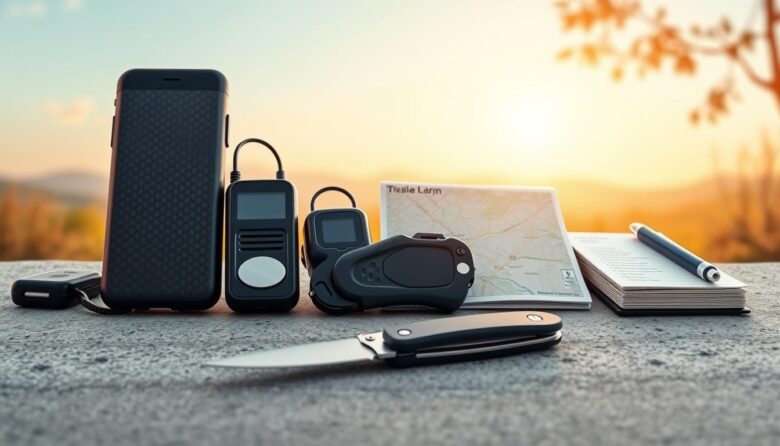
Many popular campus apps—like Noonlight, Rave Guardian, and LiveSafe—deliver great features but rely on a network or GPS. When a phone loses signal, those conveniences can disappear. This guide argues for an offline-first approach that boosts resilience. We focus on physical items and simple routines that still work during outages, dead zones, or device loss. …

When power and cell service fail, staying connected matters today. This short guide shows seven practical ways to keep people informed and in contact during emergencies at home, on the road, or in the backcountry. We cover high-tech options like ham radio (U.S. license required), CB radio, satellite phones, mesh networking devices, shortwave receivers, GPS …